
Mergescreens Android Auto: How It Works, What It Replaces, and What Most Guides Won’t Tell You
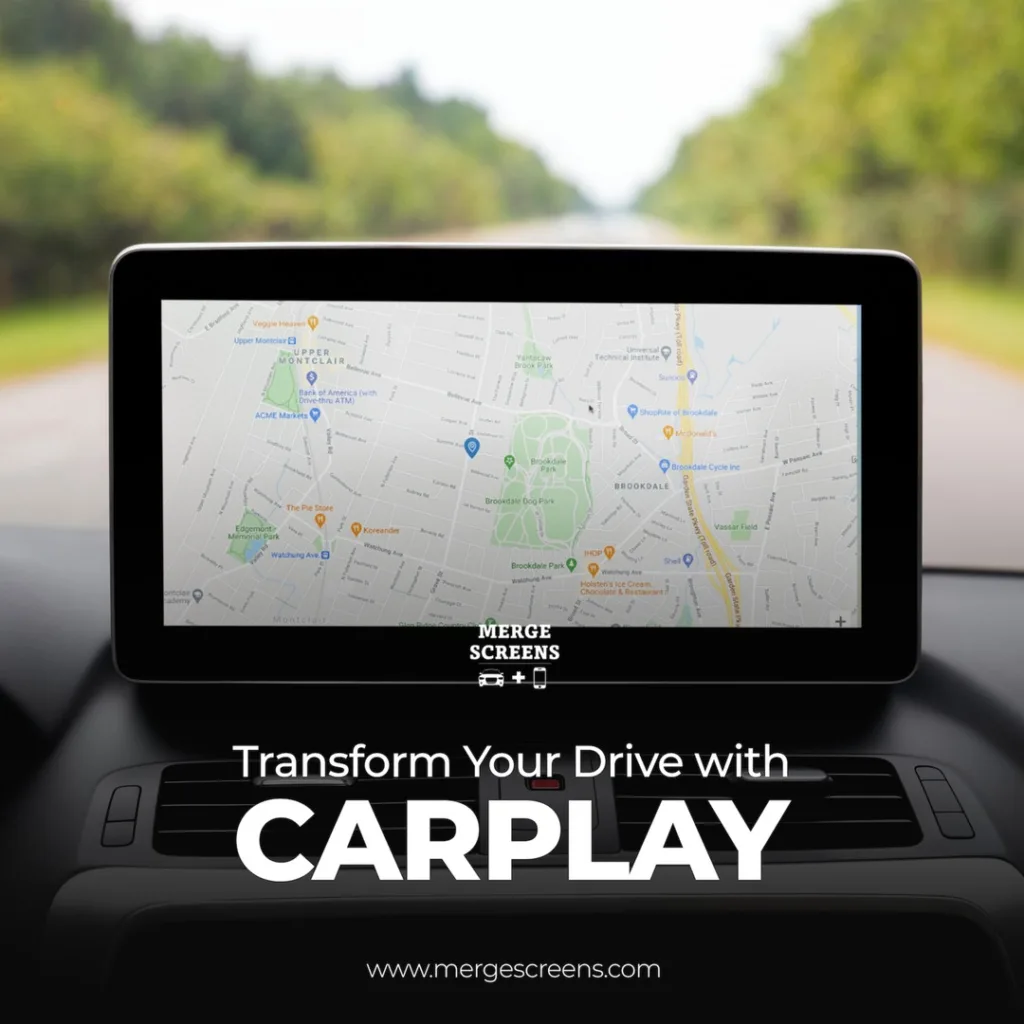
Mergescreens Android Auto refers to Android Auto integration built into aftermarket head units, typically large-format Tesla-style screens sold and supported by Mergescreens in the US market. These units replace your factory infotainment screen and add wireless or wired Android Auto, GPS, and multimedia features without you needing a new car or vehicle. If your car’s stock system doesn’t support Android Auto, or supports only a slow, limited version, a Mergescreens-style upgrade is one of the most direct ways to change that.
- Mergescreens offers aftermarket screens that add full Android Auto support to vehicles that didn’t ship with it or had an outdated version.
- These units are most commonly Tesla-style vertical or horizontal touchscreens that replace your OEM display.
- Android Auto on these screens works via wired USB connection or wireless (depending on the unit and your phone’s Android version).
- The biggest installation gotcha isn’t the screen itself, its CAN bus integration, steering wheel controls, and backup camera retention.
- Mergescreens also carries CarPlay-compatible modules and screens, so the same platform covers both iOS and Android users.
Why People Search “Mergescreens Android Auto” and What They Actually Want to Know
Most people arriving at this search aren’t looking for a definition of Android Auto. They already know what it does. What they want to know is whether a Mergescreens unit will actually work the way the product page says it will and whether anyone has run into problems they haven’t disclosed upfront.
That’s a legitimate concern. Aftermarket infotainment is one of the most complaint-heavy automotive accessory categories online, largely because the installation experience varies dramatically between vehicle makes and trim levels. A unit that works perfectly in a 2019 Toyota Camry can behave differently in a 2019 Camry with the JBL premium audio package, because those trims route audio and amp control differently. Generic install guides don’t mention this. Retrofit guides written for one market don’t always translate to US vehicles.
So the real question isn’t “does Mergescreens support Android Auto?” it does. The real questions are: How reliable is the integration? What breaks during installation that nobody mentions? And how does it compare to a plug-in CarPlay Module rather than a full screen swap?
How Android Auto Works on Aftermarket Screens Like Mergescreens Units
The built-in Android OS on a Mergescreens head unit handles Android Auto. The screen is itself an Android device typically running Android 10, 11, or 12 depending on the model and it hosts the Android Auto client directly. When you plug in your phone (or connect wirelessly), your phone’s Android Auto app hands off navigation, media, and calls to the screen’s interface.
This is different from a stock OEM unit that supports Android Auto natively. Factory systems often run a locked-down version that only does Android Auto; they don’t have a full Android OS underneath. Aftermarket units do. That’s both an advantage and a source of confusion for new buyers.
The advantage: you can install third-party apps directly on the screen dashcam software, parking sensors, or even offline maps independent of Android Auto. The confusion: when Android Auto isn’t active, the screen is running its own interface, which varies in quality depending on the manufacturer. Some interfaces are genuinely polished. Others look like a 2014 tablet UI that was never updated.
Wired vs. Wireless Android Auto on These Units
Most Mergescreens-style units support both wired and wireless Android Auto, but wireless support is version-dependent on your phone. Android Auto wireless requires Android 11 or later and a phone that’s been certified for wireless AA by Google. Many mid-range Android phones meet this requirement in 2025; budget devices often still require USB.
One observation worth flagging that generic guides skip entirely: wireless Android Auto on aftermarket units introduces a latency layer that doesn’t exist on OEM systems. Navigation directions can lag 1–2 seconds behind real-world movement during initial connection. This stabilizes after about 90 seconds of driving in most cases, but it’s disorienting the first time you see it and leads many users to incorrectly assume the unit is defective.
Full Screen Replacement vs. CarPlay Module: Which Approach Makes More Sense?
This is the decision most buyers face and most review content glosses over. There are two fundamentally different ways to add Android Auto to a car that doesn’t have it:
Option 1: Full aftermarket screen You replace the entire factory head unit with a new screen (often a Tesla-style large-format display). This is what most Mergescreens units are. You get a completely new interface, often a larger screen, and full Android Auto plus Apple CarPlay support built in.
Option 2: CarPlay Module / Android Auto adapter A smaller box that plugs into your factory USB port or OBD port and adds Android Auto/CarPlay to your existing screen without replacing it. These are sometimes called “wireless dongle” solutions.
| Feature | Full Screen Replacement (Tesla Style Screens) | CarPlay Module / Adapter |
| Screen size upgrade | Yes major visual upgrade | No uses existing screen |
| Keeps factory look | No significant interior change | Yes dashboard unchanged |
| Android Auto support | Full native support | Partial depends on factory system |
| Installation complexity | High dash disassembly required | Low typically plug-and-play |
| Backup camera retention | Possible, but requires configuration | Usually automatic |
| Steering wheel control retention | Requires CAN bus adapter | Usually retained |
| Cost (general range) | Higher full unit plus install | Lower adapter only |
| Resale / reversibility | Harder to reverse | Easy to remove |
The Real Installation Challenges Nobody Mentions in the Product Listing
This is where most aftermarket screen guides fail their readers. They describe a best-case install. Real installs are messier.
CAN bus integration is the most commonly underestimated challenge. Modern vehicles communicate over a CAN bus network; the screen doesn’t just display; it listens to the car’s data network for things like speed, reverse gear signal, door status, and parking brake. Without proper CAN bus decoding, your backup camera may not trigger automatically, your speedometer overlay won’t work, and steering wheel controls may stop functioning entirely. Most Mergescreens units come with or support CAN bus adapters, but which adapter works for which trim level is vehicle-specific and often requires checking the compatibility documentation carefully before ordering.
Amplifier integration is the second landmine. If your vehicle has a factory-amplified audio system factory Bose, JBL, Harman Kardon, Beats, and similar, the new head unit needs to send audio to that amp correctly or you’ll get no sound, distorted output, or just the speaker closest to the head unit working. This affects more vehicles than buyers expect, including mid-trim versions of popular Hondas, Toyotas, and Fords.
USB cable quality matters more than most people realize. Generic USB-A cables that come in phone accessory packs frequently fail the Android Auto handshake after a few months of use. The issue isn’t usually the cable gauge, it’s contact degradation at the data pins. Braided nylon USB-A to USB-C cables from reputable brands solve this for most installs and are a cheap fix before assuming the head unit itself is faulty.
Pros and Cons: Honest Trade-offs of a Mergescreens Android Auto Upgrade
| Pros | Cons / Trade-offs |
| Full Android Auto (and Apple CarPlay) support in vehicles that never had it | Installation is not truly DIY for most people a professional install is strongly advisable |
| Significantly larger screen real estate than most factory units | Dash aesthetics change not everyone prefers the Tesla-style look in every car |
| Independent Android OS enables third-party apps and offline use | Over-the-air updates for the Android layer are inconsistent across models |
| Wireless Android Auto option available on compatible models | Factory climate controls integrated in the screen (on some vehicles) require careful mapping |
| Supports CarPlay Screens functionality for iPhone users in the same household | Warranty impact on the vehicle varies check with your dealer first |
Who Should Consider This Upgrade and Who Should Wait
Best suited for: Drivers with vehicles from 2015–2021 that have factory screens lacking Android Auto entirely, or that support only wired Android Auto through a slow, laggy interface. Also ideal for buyers who want a larger display for navigation and media without purchasing a new vehicle.
Not ideal if: Your vehicle has climate controls embedded in the factory touchscreen (common in some BMW, Volvo, and Mazda models from this era) without a confirmed compatible solution for your specific trim. Also less practical for lease vehicles or cars you plan to sell within 12 months, since installation is not easily reversible and may affect resale presentation.
If you want to explore what’s currently available for your make and model, Mergescreens CarPlay Products includes vehicle-specific options for US drivers looking to add both Android Auto and CarPlay compatibility.
Practical Next Steps Before You Buy
Go through these steps in order before you decide to upgrade Android Auto to a full screen:
- Confirm your vehicle’s trim level and audio configuration. Look up whether your specific trim has an amplified audio system. This single factor changes the installation complexity significantly.
- Check CAN bus compatibility for your year/make/model. Most reputable sellers have compatibility lists. If yours doesn’t, that’s a warning sign.
- Decide: full screen or module? If your factory screen is otherwise functional and you just want Android Auto connectivity, a CarPlay Module adapter may achieve 80% of the benefit at a fraction of the cost and complexity.
- Plan for professional installation. Budget for it even if you’re considering DIY. One miswired CAN bus connection can take hours to diagnose.
- Test your USB cable before blaming the hardware. A quality braided data cable eliminates a large percentage of connection complaints reported in forums.
Frequently Asked Questions
Does Mergescreens support Android Auto on all vehicle makes?
Support varies by vehicle make, model year, and trim. Mergescreens units are compatible with a wide range of vehicles, but specific CAN bus integration and wiring harness compatibility should be confirmed for your exact trim before purchasing. Vehicles with premium factory audio systems or in-screen climate controls require additional configuration.
Can I use both Android Auto and Apple CarPlay on a Mergescreens unit?
Yes most Mergescreens units support both simultaneously (for different users). The head unit runs its own Android OS and includes both Android Auto and Apple CarPlay clients. Switching between them is typically done through the main screen menu. This makes the unit suitable for households where drivers use different phone platforms.
Is wireless Android Auto available on Mergescreens units?
Wireless Android Auto is available on most current Mergescreens models, but your phone must also support it. Your Android device needs to be running Android 11 or later and be Google-certified for wireless AA. Budget and older Android phones may still require a USB connection. Wireless connections can experience brief navigation lag on initial connection, which typically resolves within a few minutes of driving.
What is a Tesla Style Screen in the context of Mergescreens?
Tesla Style Screens refer to large-format vertical or horizontal aftermarket touchscreens designed to replace factory head units. The “Tesla-style” description refers to the oversized display format popularized by Tesla’s in-car infotainment design, not a Tesla-branded product. These screens run Android OS and support Android Auto, Apple CarPlay, GPS, and multimedia apps. They are one of the most popular formats offered by Mergescreens for US vehicle upgrades.
Will a Mergescreens unit void the guarantee on my car?
Aftermarket modifications can affect warranty coverage in some circumstances, but the specifics depend on your vehicle’s manufacturer and the dealer. Under the Magnuson-Moss Warranty Act in the US, a manufacturer generally cannot void your entire warranty solely because you installed an aftermarket part but they can deny warranty claims for issues directly caused by that modification. Confirm with your dealer before installation if warranty protection is a concern.
How is a Mergescreens unit different from a plug-in CarPlay Module?
A Mergescreens screen fully replaces your factory head unit; a CarPlay Module adds Android Auto/CarPlay to your existing screen without replacing it. Full screen upgrades deliver a larger display and complete feature set but require professional installation. CarPlay modules are plug-and-play but depend on your factory screen’s compatibility and may have more limited functionality depending on the vehicle.
What’s the most common reason Android Auto stops working after installation?
In most cases, the cause is USB cable degradation, not a unit defect. Data pin contact oxidation in standard USB cables, especially generic cables, is responsible for a disproportionate number of Android Auto connectivity complaints. Replacing the cable with a quality braided USB-A to USB-C option resolves the issue in the majority of reported cases before any hardware troubleshooting is needed.
Are Mergescreens units available for purchase in the United States?
Yes Mergescreens operates in the US market and focuses on CarPlay and Android Auto upgrades for US vehicles. Their product range includes both full replacement screens and CarPlay-compatible modules suited to common US makes and model years. Buyers should use the vehicle compatibility tool or contact support to confirm fitment before ordering.