
URL Shortener: How to Password-Protect Your Shortened URLs
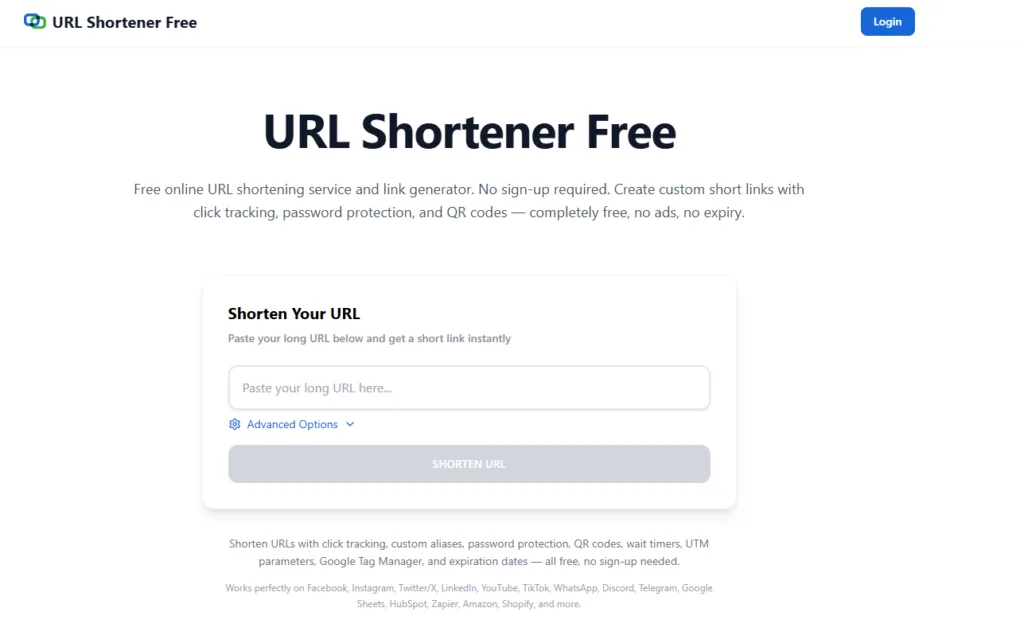
A url shortener is a useful tool that converts long web links into short, simple, and easy-to-share URLs. These shortened links are commonly used in social media posts, emails, marketing campaigns, and online promotions.
Besides making links shorter, modern URL shorteners also provide advanced security features, including password protection. This allows you to control who can access your shared links and protect sensitive content.
In this article, we will explain how password protection works with shortened URLs and why it is a useful feature.
What Is a URL Shortener?
A URL shortener is an online tool that converts a long website link into a shorter version while still directing users to the original page.
When someone clicks the short url, they are automatically redirected to the original webpage.
Short links are widely used for:
- Social media sharing
- Email campaigns
- Digital marketing
- Business promotions
- QR codes and printed materials
Can I Password-Protect My Shortened URLs?
Yes, many modern URL shorteners allow you to password-protect your shortened links.
When creating a short link, simply enable the Security Options feature. This allows you to add a password to the link.
Once password protection is activated, visitors will need to enter the correct password before they are redirected to the destination URL.
This ensures that only authorized users can access the content behind the link.
Why Use Password-Protected Short Links?
Password protection adds an extra layer of security and control when sharing links.
1. Protect Sensitive Content
If your link leads to private documents, internal reports, or confidential information, password protection ensures that only authorized users can view it.
2. Share Exclusive Content
You can share special content with selected users, such as:
- Premium downloads
- Private videos
- Member-only pages
- Exclusive offers
3. Secure Client Resources
Businesses often share files or documents with clients. A password-protected short link helps keep these resources secure.
4. Control Access
Instead of sending complex login details, you can simply share a password-protected link and provide the password separately.
Who Should Use Password-Protected Short Links?
Password-protected links are useful for many people and organizations.
Businesses
Companies can securely share documents, product catalogs, or internal reports.
Digital Marketers
Marketers can create exclusive content for limited audiences.
Content Creators
Creators can protect premium content or subscriber-only resources.
Event Organizers
Private event pages or registration links can be protected from public access.
FAQs
Can I protect a short link with a password?
Yes. Many URL shortening services allow you to enable password protection when creating a shortened link.
What happens when someone clicks a password-protected link?
They will be asked to enter the correct password before accessing the destination page.
Is password protection free?
Some URL shorteners provide free password protection features, while others include it in premium plans.
Can I change the password later?
Many platforms allow users to edit the password or update link settings after creation.
Is password protection secure?
Yes. It adds an extra layer of security and ensures that only users with the correct password can access the link.
Conclusion
A URL shortener does more than just shorten links. With features like password protection, it helps users share links securely and control access to sensitive content.
By enabling Security Options when creating a short link, you can protect your URLs with a password and ensure that only authorized visitors reach the destination page.
This makes URL shorteners a powerful tool for secure sharing, marketing campaigns, and private content distribution.